Your brand on every invoice, portal page and booking request
Custom branding for your field service software, without a design project. Upload your logo once and FSM Navigator® puts it where your customers look: invoices, the customer portal, your emails and your booking page. Your techs see it too, in the app they open every morning.
Included in Pro and Enterprise · Your own domain and email address on Enterprise
Your customers judge you by the paperwork
Most customers meet your business three times before they pay: the booking, the quote and the invoice. If all three look like generic software, a careful, well-run shop looks small.
Owners say it plainly: they want to look more professional, and they want to look bigger than they are. That comes down to the things a customer actually holds in their hand or reads on their phone, and every one of them should carry your name, not ours.
Where Your Custom Branding Appears
One logo in Company Settings. These are the places it appears on Pro and Enterprise.
Invoices
Your logo is printed at the top of every invoice PDF. See how invoicing and payments work.
A Branded Customer Portal
Customers see your logo when they sign in to the customer portal to check service requests, sign quotes and pay invoices.
Customer Emails
The emails your customers get from you open with your logo, your business name and your brand color, and they show your business as the sender.
Your Booking Page
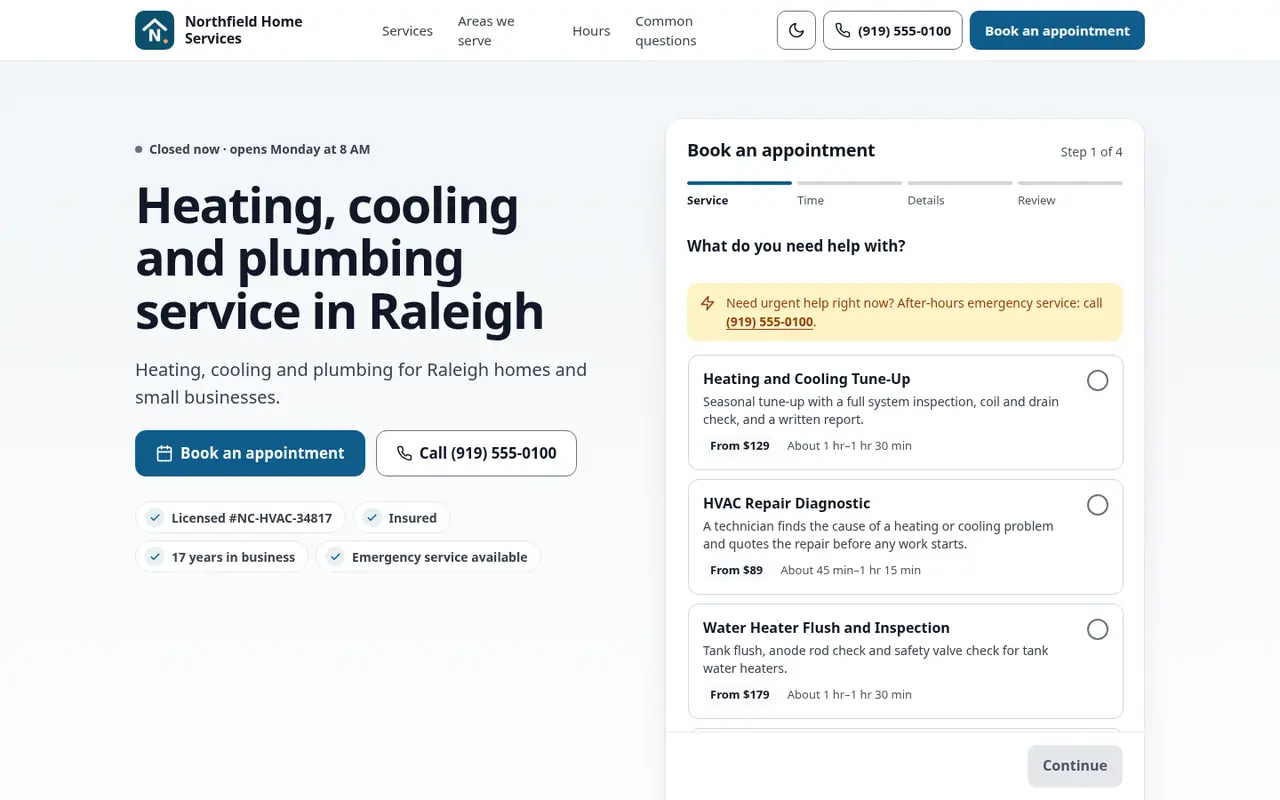
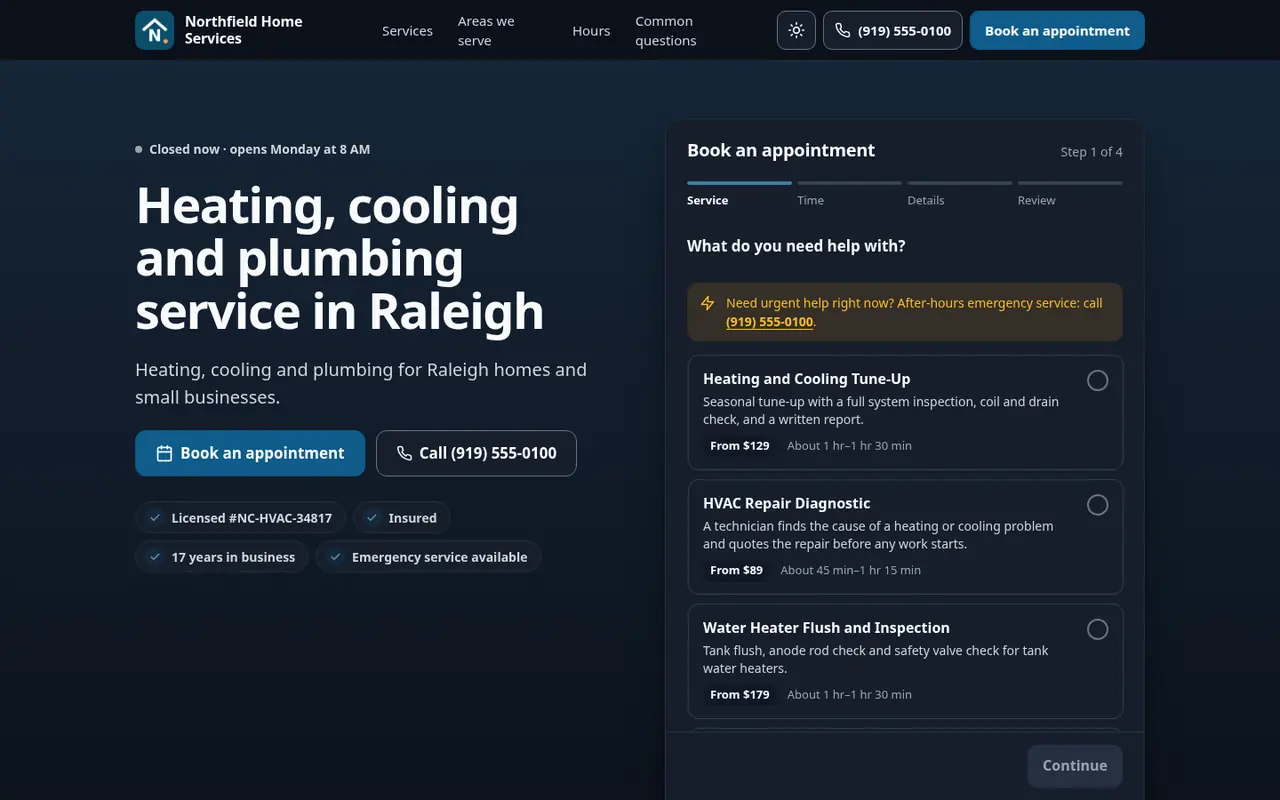
Your online booking page shows your logo and your brand color to every new customer who requests a visit.
Your Techs' App
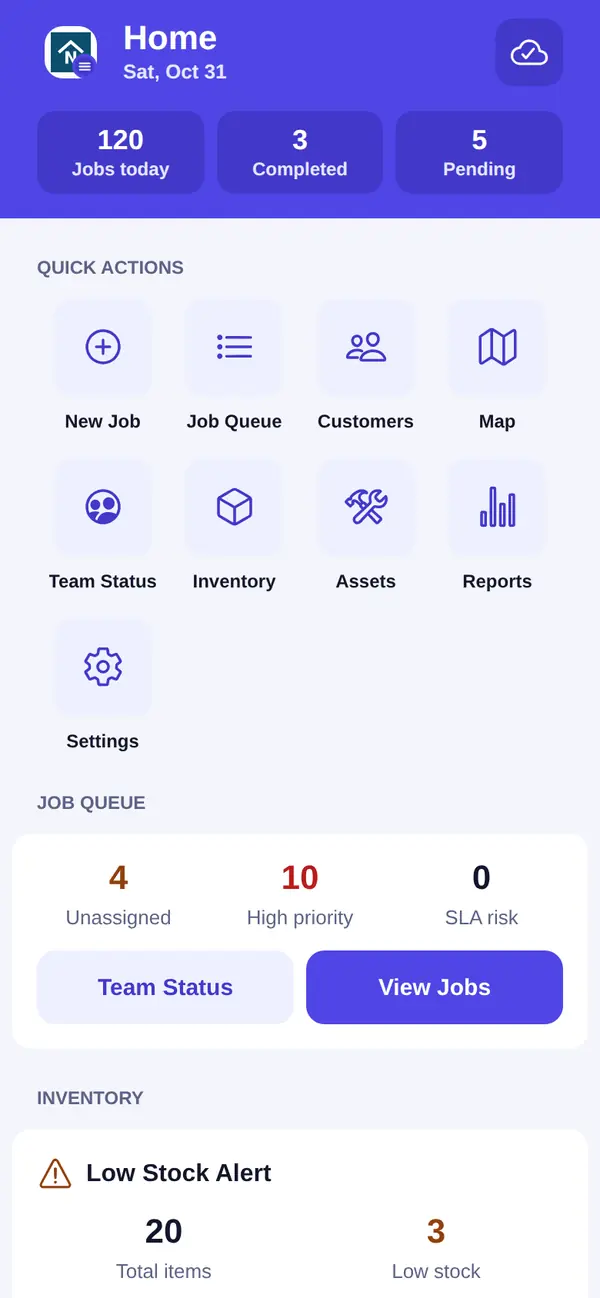
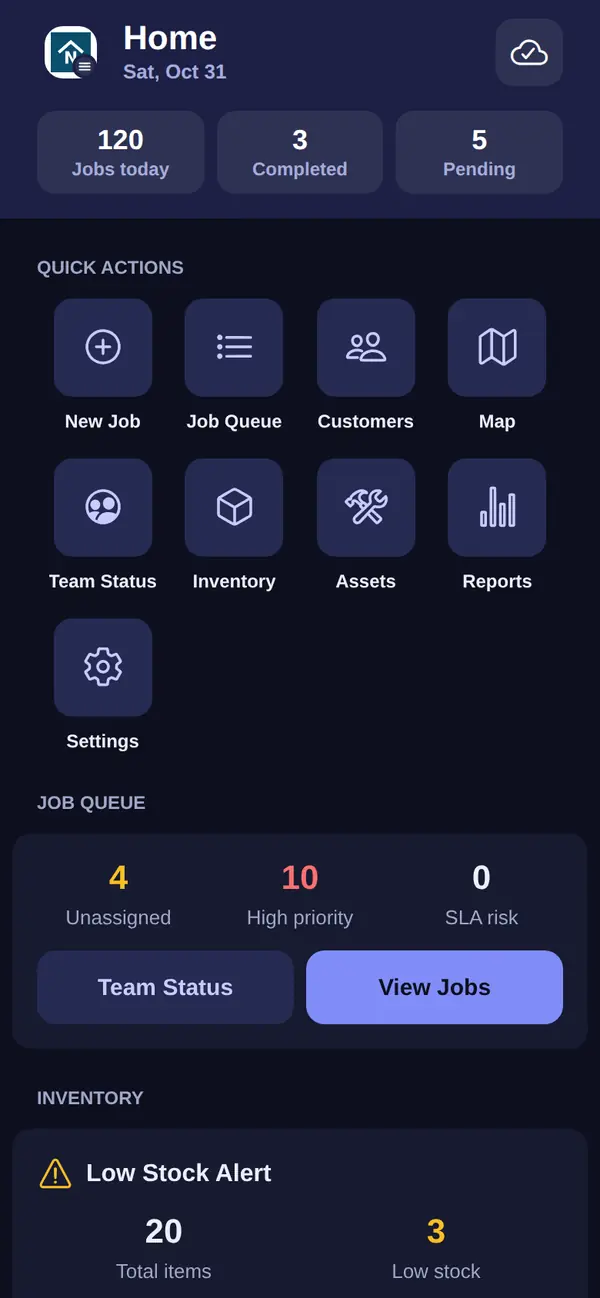
In the mobile app on iOS and Android, the menu button at the top of every main screen shows your logo, so the app on your team's phones feels like yours.
The Office Dashboard
Your logo sits at the top of the dashboard menu, above your company name, for everyone in the office.
Your Own Web Address and Email Address
On Enterprise, your brand goes one step further: the addresses your customers see are yours too.
A Custom Domain for Your Booking Page
Run your booking page on your own address, such as book.yourcompany.com, so a customer who books never leaves your name. Set it up with the custom domain guide.
Emails From Your Own Domain
Send customer emails from your own email domain, or from your Microsoft 365 mailbox, so they arrive from an address your customers already know. See email sending.
Set It Up in Company Settings
1. Upload Your Logo
Open the Brand tab in Company Settings and choose the logo file you already have.
2. Frame It
Use the cropper to frame your logo the way you want it, then save.
3. Send Your Next Invoice
Your next invoice, email and portal visit carry your logo. Step-by-step help is in the branding guide.
Which Plans Include Branding?
Branding is part of Pro and Enterprise, alongside the customer portal, the online booking page and online payments that put it in front of your customers. Enterprise adds your own booking domain and sending from your own email address. The Free plan does not include branding. Compare every plan on the pricing page.
Where Your Brand Does the Work
Customer Portal
Where customers sign quotes and pay invoices under your logo.
Invoicing and Payments
Branded invoices that customers can pay online.
Online Booking
A booking page with your logo and brand color.
Mobile App
The app your techs open every morning, with your logo on the menu button.
Choosing Field Service Software
Six questions that separate the demo from the product you'll actually run.
Contractor Invoice Template
What a professional contractor invoice should include.
Questions Owners Ask About Branding
Is this a white-label app?
No. Your team downloads the FSM Navigator app from the App Store and Google Play, and it is listed under the FSM Navigator name. Once you upload your logo, it shows inside the app, on the menu button at the top of every main screen.
Where does my logo appear?
On your invoices, in the customer portal, in the header of the emails your customers get from you, on your online booking page, at the top of the office dashboard menu, and on the menu button in your team's mobile app.
Can I add my logo to my invoices and estimates?
Your logo is printed at the top of every invoice. Customers also see it when they open a quote or an invoice in the customer portal, and in the emails that send them there.
Which plans include branding?
Pro ($34.99 per user per month) and Enterprise ($59.99 per user per month). The Free plan does not include branding.
What does my team see before I upload a logo?
The mobile app and the office dashboard show the FSM Navigator logo until you upload yours.
Can I choose how my logo is framed?
Yes. When you upload your logo, a cropper lets you frame it the way you want before you save.
Can I use my brand color?
Yes, on your online booking page and in the header of your customer emails: you pick one color in your booking settings. The app, the office dashboard, the customer portal and invoices keep the standard FSM Navigator colors.
Can customers see my own web address and email address?
On Enterprise, yes. Your booking page can run on your own domain, such as book.yourcompany.com, and customer emails can be sent from your own email domain or your Microsoft 365 mailbox. On Pro, customer emails carry your business name and logo.
Do I need a logo for each place it appears?
No. You upload one logo in Company Settings and it is used everywhere listed above.
See Your Logo on Your Own Invoices This Week
Start a Pro trial, upload your logo, and send your next invoice with your name on it.
14-day free trial · Nothing charged until the trial ends · Branding is included on Pro and Enterprise