Quotes Your Customers Can Say Yes To, Three Ways
Send a quote with up to three options. The customer picks one and signs it online, or in person while you're there. Take a deposit before you order parts. When they accept, the quote becomes a job, and the final invoice bills what they signed.
Included in Pro and Enterprise · Quotes that become work orders are on Enterprise
The quote was a text message
The tech looked at the furnace, said "probably around eighteen hundred", and texted a photo of a number. Two weeks later the invoice says $2,140, and the customer is on the phone asking why.
Or the tech only offered the cheap fix, because it was the easy conversation. The customer would have paid for the replacement. Nobody asked.
Or you ordered a $4,000 unit on a handshake, and the customer went with someone else.
Each of those is a quoting problem, not a people problem. A quote written from your price list, with real choices, a signature and a deposit, fixes all three. The figures here are made up, but you've probably lived a version of each.
Three Options, Priced From Your Own List
Three options change the question from "yes or no?" to "which one?"
Up to Three Options
Repair the part, replace the component, or replace the system. Name each option the way you'd say it at the door, add a short description, and mark the one you recommend. The customer sees them side by side and accepts exactly one.
Lines From Your Pricebook
Add services, labor and materials from your pricebook and the name, unit and price come with them. A service with included materials brings those lines too. Two people quoting the same job get the same number.
Member Prices, Automatically
When the customer holds a membership plan from your service agreements, each line gets the plan's percent off or the item's member price, whichever saves more. The two never stack, and the discount is locked in when you send.
Not sure how to split a job into three honest options? Here's how to build good, better and best.
Signed Online, in the Portal, or in Person
A Private Link
Send the quote and the customer gets an email with a private link. They open it on their phone, pick an option, draw or type their signature, and accept. No account, no app. Need to share it another way? Copy the link instead of emailing it.
Your Customer Portal
Customers who log in to your customer portal find their quotes there too, next to their invoices and service history. They accept, sign and pay the deposit in one place.
In Person
Standing in the customer's kitchen? Open the quote, choose "Customer signs here" and hand them the screen. They pick the option and sign, and it's recorded the same way as an online signature.
Either way, you can download the quote as a PDF, and once it's accepted the PDF carries the signature. Signature records are kept for 7 years.
What they signed is what they're billed
Once a quote is sent, that version is locked: lines, totals, tax rate and your terms. Need to change something? Revise it, and a new version goes out when you send it. The old one stays on file exactly as it was, so you can always see what the customer was actually offered.
Every quote has a valid-until date, 30 days out unless you pick another. When it passes, the customer can't accept the old price anymore. If a quote needs to come back, withdraw it and the link stops working.
When the customer accepts, you create the job with one click, at the quote's service location. The final invoice bills the signed option at the signed prices and tax, plus any extras your tech added on site. It isn't a number someone remembers. It's the quote they signed.
Take a Deposit Before You Order the Parts
A Fixed Amount or a Percentage
Set the deposit on the quote, so accepting the quote means accepting the deposit. When the customer signs, the deposit invoice is issued straight away.
Paid Online
Portal customers pay it with the Pay deposit button, by card or bank transfer, through the same checkout they use for invoices. A platform fee applies to online payments; see pricing.
Credited on the Final Bill
The paid deposit shows as a credit on the final invoice, so the customer sees exactly what's left. The deposit itself isn't taxed; tax is charged once, on the final invoice.
Numbers That Don't Double-Count
Deposits stay out of your revenue, invoiced totals and receivables until the job is invoiced. And if the deposit isn't paid when you go to create the job, you're asked for a reason first.
How much deposit should you ask for? It depends on the job, and on your state.
Quote, Job and Invoice in One App
| The way you do it today | With FSM Navigator quotes |
|---|---|
| A number in a text message | A written quote with lines from your pricebook |
| One option, usually the cheapest | Up to three options side by side, one marked as recommended |
| "I'll call you to confirm" | Signed online, in the portal, or in person |
| Edits overwrite what you sent | Sent versions are locked; a revision is a new version |
| You find out it was declined when the customer stops answering | You're told when the customer opens, accepts or declines it, and a decline comes with a reason |
| Retype the accepted quote into a job, then an invoice | One click creates the job; the invoice bills the signed lines |
| Order the equipment and hope | Deposit paid online first, credited on the final bill |
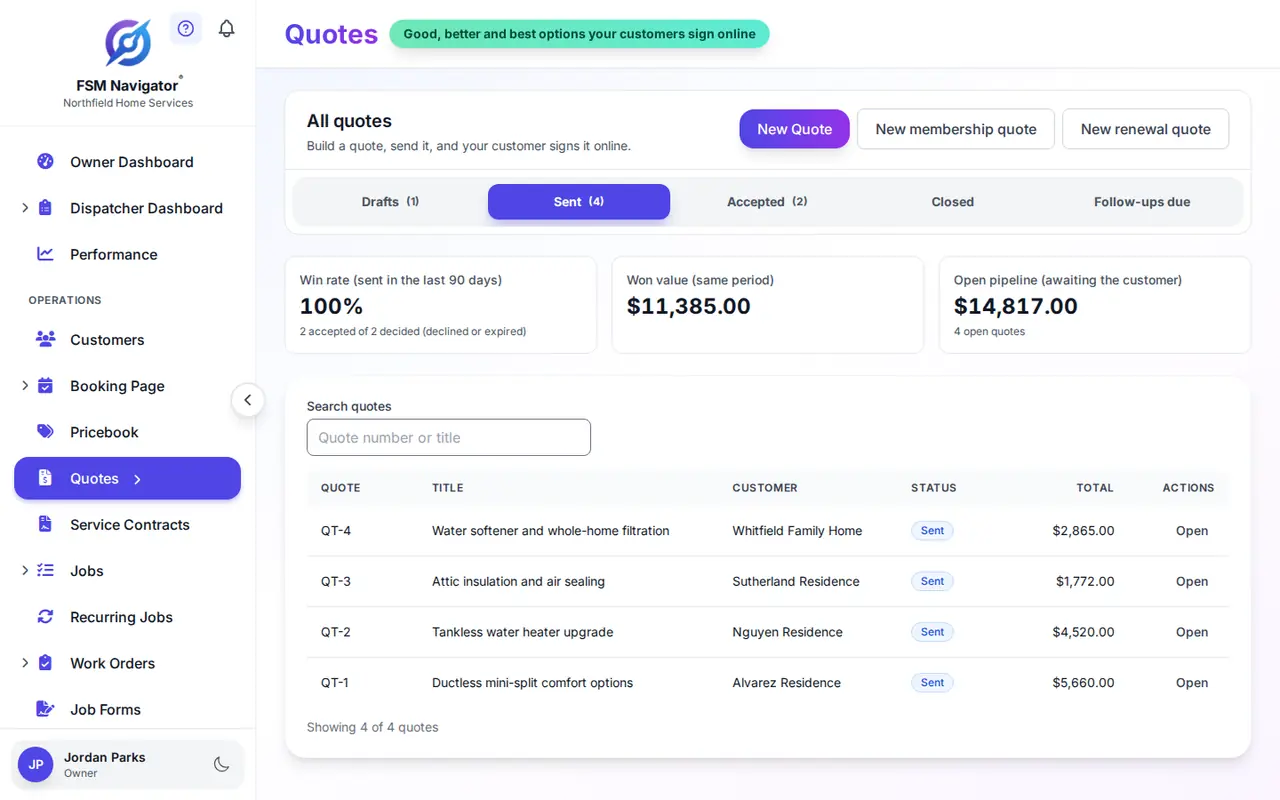
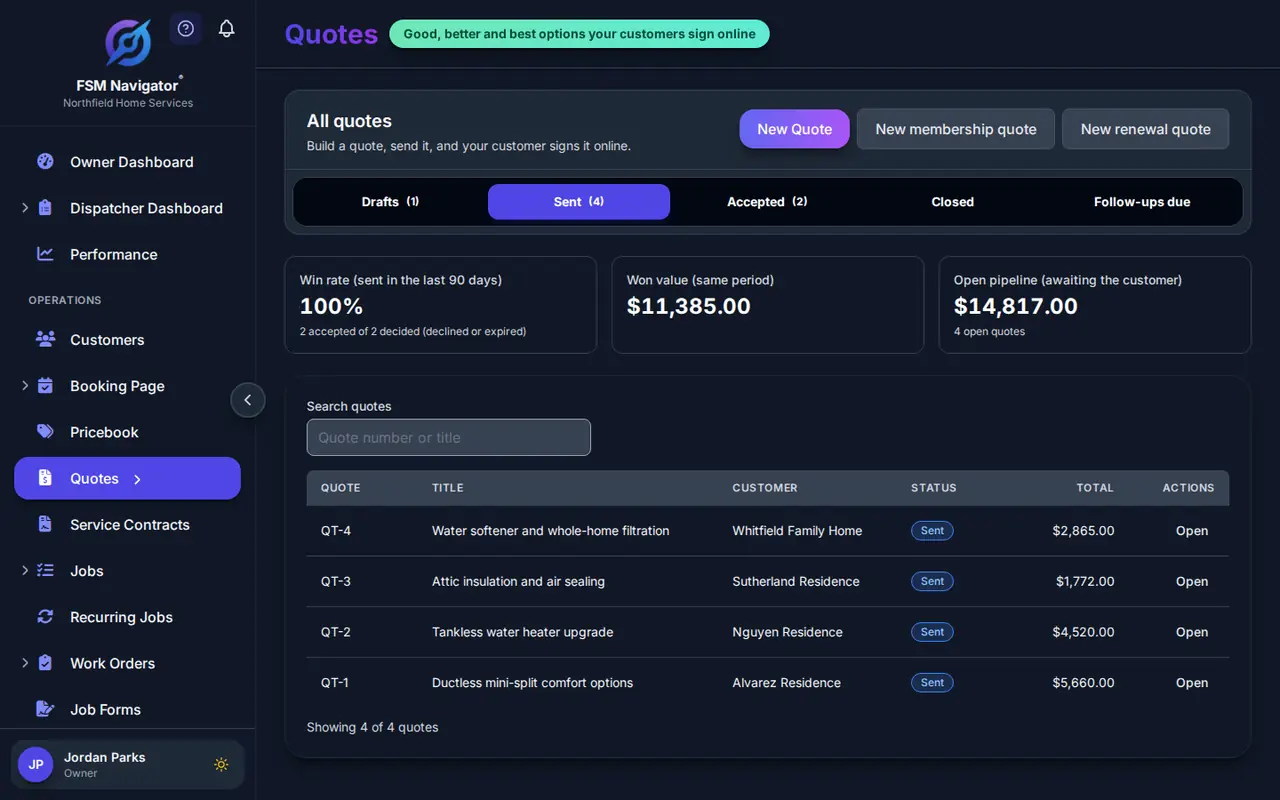
Once it's a job, intelligent dispatch can send the right tech, and the schedule adjusts when the day changes. The Quotes page shows your win rate, won value and open pipeline, so you know how quoting is going.
Quotes or Work Order Estimates?
Quotes (Pro and Enterprise) are for a single job: a repair, a replacement, an install. Work order estimates (Enterprise) are for staged project work. On Enterprise, an accepted quote can also become a work order, with the signed option as its approved estimate.
Where Quotes Come From
A lot of quotes start as a "free estimate" request on your booking page. The visit goes on the schedule, and the options you quote on site come from the same pricebook the booking page shows.
Quotes for Your Trade
Questions Owners Ask About Quotes
Which plans include quotes?
Pro ($34.99 per user per month) and Enterprise ($59.99 per user per month). Turning an accepted quote into a work order is Enterprise, because work orders are Enterprise.
How many options can a quote have?
One, two or three. You name each option, add a short description, and can mark one as recommended. The customer accepts exactly one.
How do customers sign?
They open the quote from the private link you email them, or from the Quotes page of your customer portal, choose an option, and draw or type their signature. If you are with the customer, you can hand them your screen and capture the signature in person.
Can I change a quote after I send it?
Yes, by revising it. That starts a new version, and the customer gets the new one when you send it. The version you sent stays on file exactly as it was.
Do quotes expire?
Yes. Each quote has a valid-until date, 30 days out by default and up to a year. After that day ends in your time zone, the customer can no longer accept it.
How do deposits work?
Ask for a fixed amount or a percentage of the option total. When the customer accepts, the deposit is issued as its own invoice, and portal customers pay it online by card or bank transfer. It shows as a credit on the final invoice, it is not taxed, and it is not counted as revenue until the job is invoiced.
Can every account take deposits?
Deposits need online payments turned on for your account. While Stripe Tax collects your sales tax, deposits are switched off and the quote screen tells you why. Everything else about quotes works either way.
What happens when the customer accepts?
You are told, and the quote moves to your Accepted tab. One click creates the job at the quote's service location. The final invoice bills the signed option at the signed prices and tax, plus any extras added on site, minus the deposit.
Can technicians build quotes in the mobile app?
Not today. Owners, managers and dispatchers build and send quotes in the web app. Technicians can open a quote there to see what the customer agreed to.
Is an e-signed quote legally binding?
Federal law says a signature or contract cannot be denied legal effect just because it is electronic (15 U.S.C. 7001). Whether a particular quote is a binding contract depends on your state and your terms, so check with your attorney or state contractor board.
The federal e-signature law is 15 U.S.C. § 7001. The step-by-step setup is in the quotes help guide, and how quotes become jobs walks through what happens after a customer says yes.
Send Your First Three-Option Quote This Week
Build your pricebook, send a quote and see it signed, all inside your trial. It's the same app you book, dispatch, invoice and renew agreements from.
14-day free trial · Nothing charged until the trial ends · Quotes are included on Pro and Enterprise